


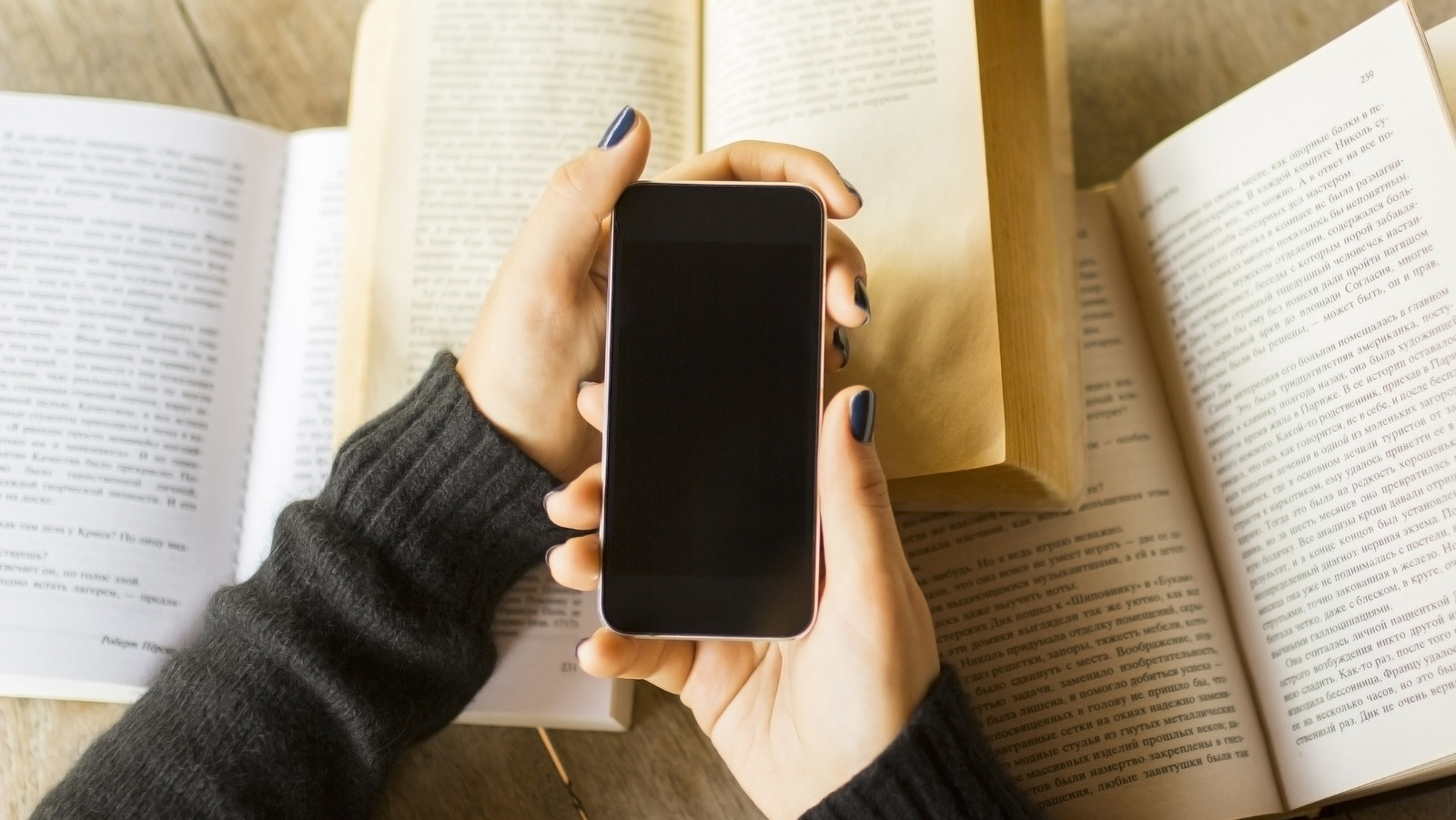
Should you spend money on e-readers especially when your phone can offer more? While some still enjoy the touch and feel of physical books or reading on a Kindle tablet, the latest Android apps on your smartphones are turning this otherwise solitary activity into a convenient experience that e-readers and physical books don’t match. With sleek aesthetics and modern functionality, new-age apps offer an interactive experience to modern readers.
For example, readers can join virtual book clubs, write and comment on book reviews, get curated book suggestions based on their taste, and interact with a large community of readers with just a tap. Beside the sleek interfaces and colorful designs, users get features such as text and theme customization, social media sharing, and AI summaries, making reading more enjoyable.
If you love reading books, but at the same time, want to share your underlined paragraphs, thoughts, and views, these five essential apps make “mobile” reading even more interesting.
Fable
Fable is a lively social platform centered around books. Its modern layout and colorful interface sets it apart from other reading apps. One of its key highlights is the virtual clubs for active discussions around books with its large community. The book clubs are on niche topics such as magic realism, classics, and discussions are chapter-wise, which saves a reader from spoilers and twists that general reviews can offer.
For an interactive experience, readers can highlight sections of a chapter and leave notes which others can react to, something not seen in other e-reader apps. This app is perfect for those who want to know more about a book than just read long reviews and endless comments. If some passages from a story clicks with readers, they can share the colorful graphic cards the app generates directly on Instagram. For customization lovers, the app offers fonts, themes and backgrounds to pick from, making a personalized space for readers.
Moon+ Reader
Moon+ Reader is among the versatile reading apps available on the Google Play Store. One of its main features is the option to read any book file on your device, which means no need for separate apps to read for EPUB novels, Docx files, or PDF textbooks. The app also has some customization features, letting you adjust the reading experience through options like line spacing, font scale, and multiple appearance themes.
Beyond aesthetics, it features useful functionality like the option to share selected text directly to AI tools such as ChatGPT. It’s useful for those who want to further understand or research more about books on topics such as history, psychology, science, etc.
Readers can share posts about selected quotes or texts on social media platforms. It also features real-time reading speed statistics and dictionaries, and the app is well optimized for foldable phones such as Google Pixel 10 Pro Fold and Samsung Galaxy Z Fold 6.
Libby
Libby makes it easy for “broke bibliophiles” and book hoarders to search and borrow eBooks and audiobooks from their local public library. All they have to do is connect their library card to the app. Not only does it save the readers from the hassle of downloading multiple library apps, it also offers an automatic return feature that ensures borrowed books are back on the due date to avoid any penalties.
Another convenience is that users can manage multiple library cards, which gives them the freedom to search another library if a book is not available in their nearest one. You can also set a sleep timer for late-night audiobook sessions, and for those juggling multiple reading devices, it features an option to send a book directly to a Kindle device from a phone (for U.S. libraries only). If you love reading but are on a budget, this app can help you save money.
Amazon Kindle App
The Amazon Kindle app is an essential download for its ecosystem power. It offers you the largest digital book store, featuring more than 1.5 million titles, and acts as a bridge if you juggle between a Kindle tablet and an Android phone for reading. What further sweetens the deal is you can use your Kindle Unlimited subscription or enjoy the “Prime Reading” benefits to read the latest best-sellers on this app as well.
Beyond its library dominance, the app includes reading tools like the integrated dictionary, Wikipedia access, and reading insights, making it the most reliable choice for any serious reader. However, one of the most useful features of the Amazon Kindle app is the “Whispersync” feature that lets you switch from print to audio by automatically synchronizing your progress, making it easier for you to continue a book in a different format from the same spot you stopped reading.
The Kindle app, with more than 100 million downloads on the Play Store, is a must-have for serious readers.
Goodreads
Goodreads is among the most popular reading platforms, bringing together the biggest community of book reviewers. Besides the aesthetics and functionality, the app offers a space for diverse views and discussions. Not only can you use it to post in-depth book reviews, but this app can also help you in maintaining your reading streak through “reading challenges.”
You can also join book clubs for discussions and interact with other readers on their posts. What’s different here is that the platform also has the option for published authors to promote their work and engage with readers. For curious readers, it has a book scanner feature that lets you scan any book cover in a store or library to see its summary, ratings, and reviews. This comes handy if you’re undecided on whether to invest in the book or not.
You can also find some of the best curated lists based on your reading preference, and can also participate in free book giveaways often sponsored by authors and publishers. With more than 10 million downloads on the Google Play Store, Goodreads is one of the reading apps you can’t miss.
