




Google’s NotebookLM is an artificial intelligence (AI) multipurpose tool aimed to help you with your work. It can be accessed through its website, used for businesses through platforms like Google Workspace, and has a mobile app with great new features like flash cards and quizzes. There’s an endless variety of things you can use NotebookLM to help you with. You can use it to study for an exam, to summarize long PDFs, to listen to audio files, to do deep analytical research, and more.
The basic NotebookLM is free to use. It uses the latest version of Google’s AI, Gemini. It lets you upload a variety of documents to work with, helps you analyze them, answers questions for you, and can provide audio overviews if you like to listen rather than read. NotebookLM Pro is more in-depth. You need paid Google plans to access it, such as Google Workspace, Google AI Pro, Google AI Ultra, and Google Cloud.
It offers more space for work, going from 100 notebooks in the free plan to 500 in the paid version. The free version also offers 10 deep research searches on a monthly basis, whereas the paid version offers 20 deep research searches each day. That’s quite the upgrade. No matter which plan suits you, ultimately you’re getting an AI tool that helps you be more productive and more efficient. By understanding what NotebookLM offers, you can use it to its fullest capabilities.
Using Google’s NotebookLM
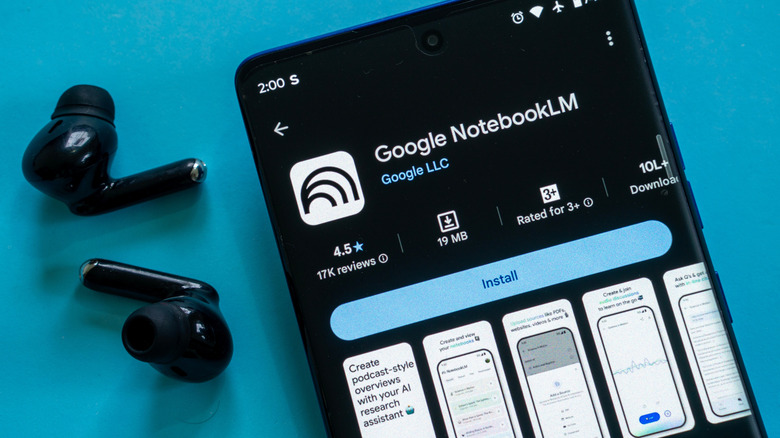
NotebookLM is a great research partner. No matter if you’re trying to learn a new skill, get information for writing, or researching for fun, NotebookLM can help you out. You can upload items you have compiled for your deep research, like YouTube videos, documents, and websites, and NotebookLM will summarize key elements for you. You can follow that up by asking specific questions and making your research more targeted, so you can save time and bypass information you aren’t concerned with more easily. It’s like skipping the story part of recipe blogs and just getting straight to the information you want.
It’s also very helpful if you’re a student in high school, college, or taking professional development courses. It can build a study guide to help you learn and practice a concept. Offering tools like flash cards and quizzes helps save time by creating these for you so you don’t have to just read a textbook or create your own study guide to practice. It also provides citations to back up its claims, speeding up the process of writing academic papers.
Too busy to stay in front of the screen and read what NotebookLM provides? It also offers a feature called Audio Overviews. It’ll take sources you provide and turn them into an audio lecture that explains the concepts and key information for you. That way you can listen to them while doing chores and errands.
Google’s NotebookLM for business purposes

If you’re a small business owner, freelancer, or have some influence in making technology choices at your workplace, NotebookLM is designed to make working more efficient. One great element of NotebookLM for businesses is its analytical capabilities. You can upload data-heavy reports like finances, sales, ad ROI reports, website views, and more and get insights quickly. This can help you to identify trends and create strategies for the future much faster than if you were going through each report on your own.
NotebookLM also offers a great resource for both new hires and experienced employees. By keeping documents like the Employee Handbook, training manuals, software guides, codes of ethics, and more on NotebookLM, employees can find what they need fast. Instead of flipping through a 100-page handbook, they can simply ask NotebookLM and get an immediate answer with a matching citation to prove accuracy.
By using NotebookLM with an enterprise tool like Google Workspace — which now has more Gemini features — it makes cross-departmental collaboration and communication faster. Everyone can have access to documents and insights quickly, and notebooks can be shared to keep teams updated. No matter what you use Google’s NotebookLM for, its purpose is to be a handy AI tool that saves you time so you can focus on your end goals.
