


Thus far, Windows 11 has famously botched several updates, creating quite the broken mess, which Microsoft is well aware of. A January security update was even responsible for killing some computers, among a plague of other issues, although bricking computers is about as bad as it gets. But a new, non-security feature preview update for February just dropped and it looks like it has added some really useful and welcome features that many people are going to enjoy, mostly to do with performance and visual enhancements.
The update, version KB5077241, is available as an optional update to all Windows 11 users, meaning you can download it right now if you so desire. This is a preview update, though, which means it’s not part of the stable channel. The full release should be available on March 10. But in the interest of more positive experiences and maybe good things to come, it makes sense to break down some of the new additions in the update so that everyone knows what to expect. These features will be available in a stable update in March, so you’ll get to experience them sooner or later. But before you do, maybe before you install the preview, let’s take a closer look.
1. A new network speed test built right into the taskbar
The latest version of Windows introduces a built-in network speed test. You can access it fairly easily, too, by clicking the network icon right in the system tray, or by opening Wi-Fi or Cellular Quick Settings and selecting the test.
It opens the browser you have set as default and then checks your current network connection for performance whether you’re using Ethernet, Wi-Fi, or cellular (mobile). Ultimately, it’s meant to be a quick assessment and to help you troubleshoot any network issues you may be running into. It’s a welcome addition, and it will help reduce a lot of network-related headaches.
That’s not the only improvement made to the taskbar. The search function has also been improved and will now show the number of results and allow you to preview content in the list without opening any windows. In general, this change helps to highlight the new and improved visual and performance upgrades, which also show up on the sign-in screen, in the settings, and, of course, the taskbar. Ultimately, everything feels more responsive and that’s a plus, but there’s nothing too game-changing going on.
2. Some minor system upgrades in various functions
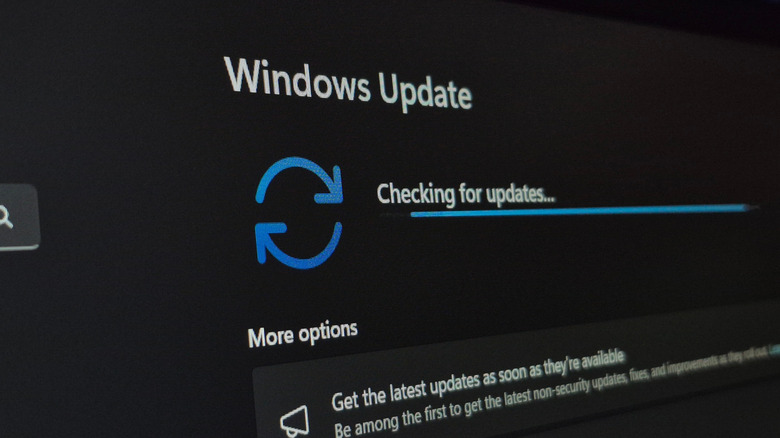
Backup and restore, as well as quick machine recovery, are now available for select Windows Professional devices. Meanwhile, new emojis, a new accounts menu on sign-in, a new built-in system monitor, and a new full-page widgets settings menu have also been added. Moreover, the update brings improved storage settings, remote server admin tools, more responsive Windows Update settings, and a host of additional improvements.
They’re all minor and essentially update or upgrade existing functions within Windows 11 but they show a marked improvement to the overall experience in the latest version of Windows. In other words, it seems Microsoft may be moving in the right direction here, which is pretty much what everyone has been asking for, well, for quite a while.
Also improved, according to Microsoft, are the printing services — despite discontinuing support for a few printers previously — nearby sharing features, and Windows Update. Some new camera settings have been added, as well, allowing you to pan and tilt supported cameras.
3. Some File Explorer performance and usability improvements
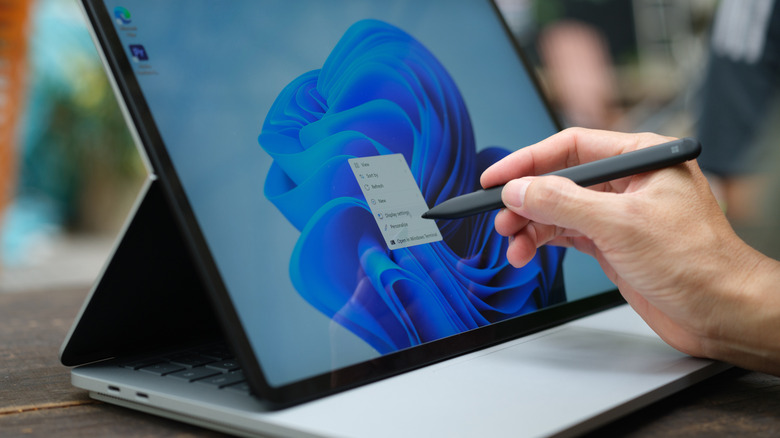
Depending on what’s going on, Windows’ native File Explorer can be wonky or slow from time to time and it looks like Microsoft has done a little work to make things better in this latest update. You can now open a new File Explorer window more reliably using various shortcuts, like holding the Shift key and clicking on the File Explorer icon on the taskbar. You can also use the middle mouse button, if your mouse has one, to open a new instance of File Explorer. Basically, it’s like quickly opening extra menus or screens.
In addition, File Explorer has now gotten an “Extract All” option in the command bar when browsing non-ZIP archived folders. Microsoft also says the Network page in File Explorer will be better at showing detected or connected devices.
It’s slightly unrelated, but the general performance improvements carry over to how displays work with Windows 11, as well. They should now wake from sleep more reliably and respond better even when the computer is busy working.
