


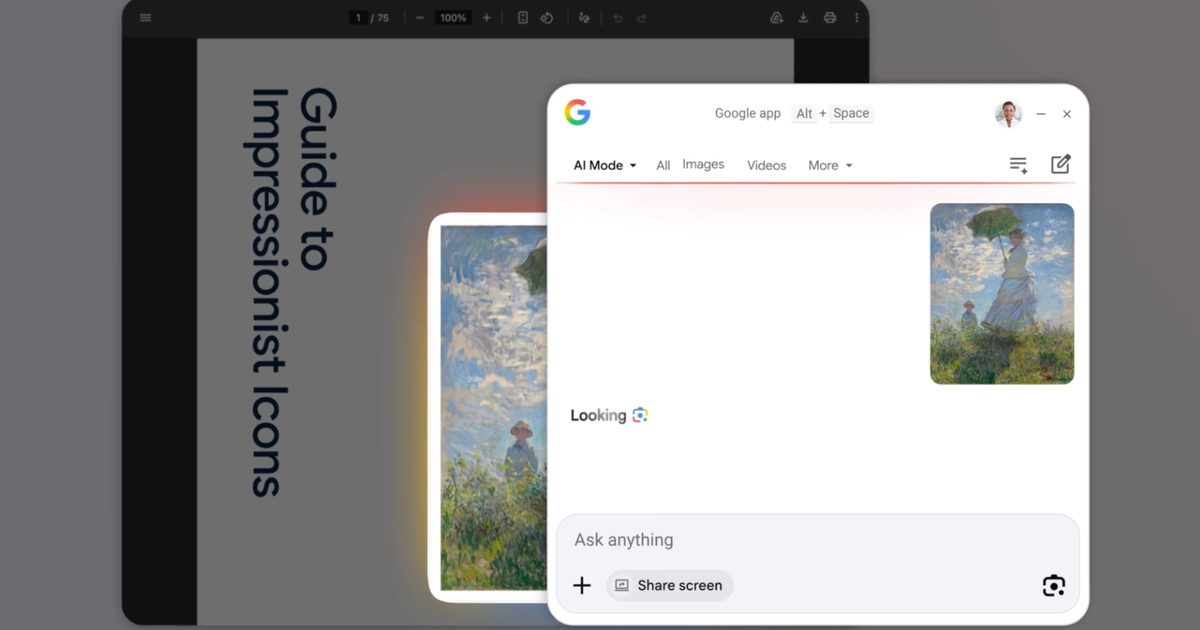
Google has launched its app for Windows, and the most interesting feature is one users from outside the Apple ecosystem will recognize but not by name: a Spotlight-style universal search bar that lives over your desktop. The play here is bigger than a simple search shortcut.
What the app actually does
The Google app for Windows surfaces a system-wide search overlay, accessible via a keyboard shortcut, that searches across the web, your local files, your Google Drive, and your installed apps in a single result list. Lens-style image search and Gemini-powered conversational queries are integrated into the same surface.
For users coming from macOS, this will feel familiar. Spotlight on Mac has done a similar combination of local file search, web search, and quick actions for years, with Apple Intelligence layered in more recently. The Windows search experience has historically been less polished, and Microsoft’s own efforts have been inconsistent across versions.
Why this matters strategically
Google’s bigger goal is distribution for Gemini. By living one keystroke away on every Windows machine that installs the app, Gemini gets a footprint that does not depend on Chrome, on Android, or on Workspace tabs being open. For Microsoft, this is awkward, since Windows search has been a Bing-and-Copilot lever for the last two years.
The practical impact for users
For most Windows users, the immediate value is convenience: faster file access, faster web searches, and a single place to ask conversational queries without context switching. The privacy trade-off is the usual one with universal search, more of your local activity becomes visible to a search index, even if not necessarily transmitted.
The takeaway
The Google app for Windows is not a revolutionary product. It is a defensive move dressed as a productivity tool, designed to keep Gemini relevant on a platform Google does not own. Worth installing if you live in Google Workspace anyway. Worth thinking twice about if you are deep in Microsoft 365.
